Case study · Client name withheld
Photo Map Explorer App
Tap anywhere on the map to see photographs of the places around it
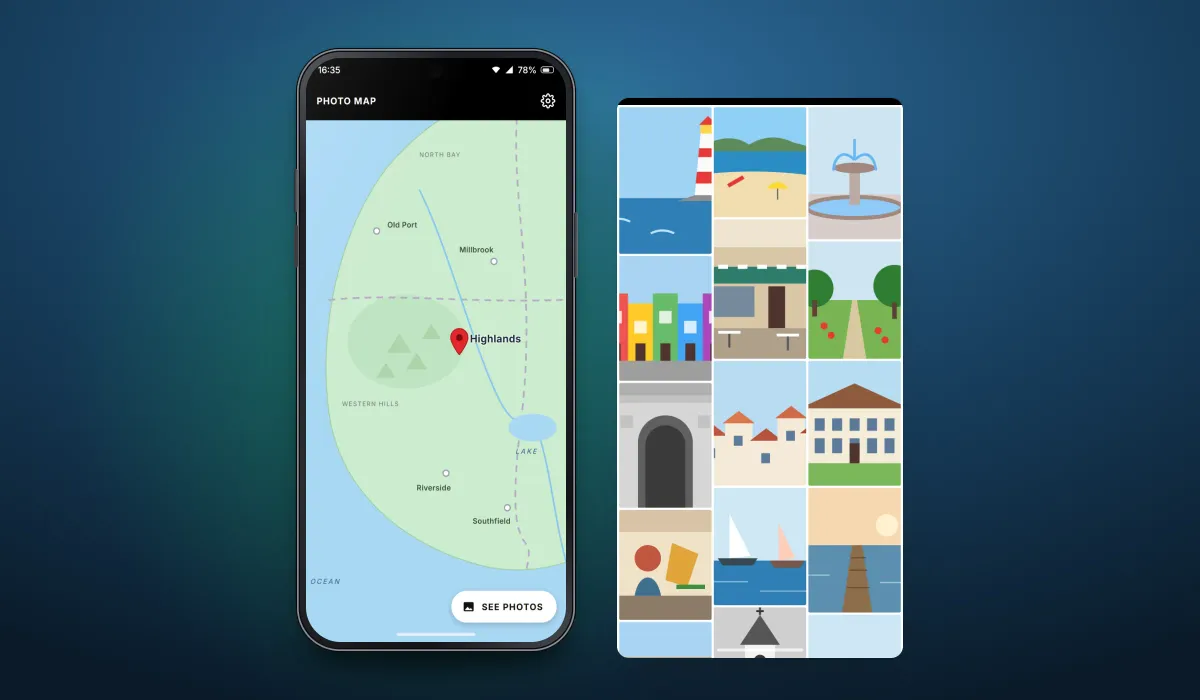
The client publishes a growing collection of location photographs. Our team developed the mobile app that presents them on a map: tap a spot, press See Photos and browse the photographs taken around it.
- Client
- Travel photography publisher
- Platforms
- Android
- Our scope
- Mobile app development
The product
What it does, and for whom
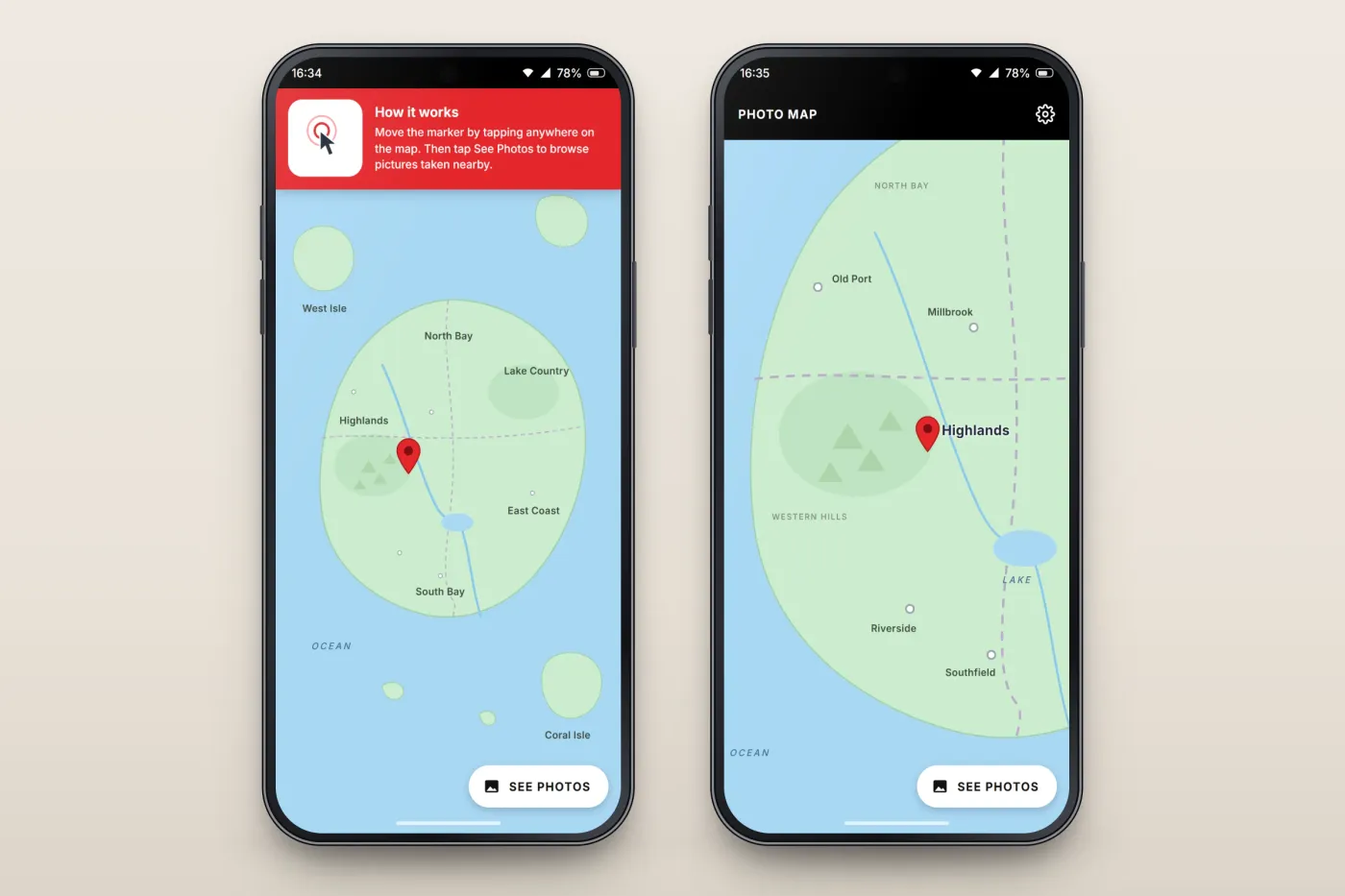
Browsing travel photographs by place works best on a map. The app shows the whole region, explains on first run how to move the pin, zooms in to the area the user picks and then lists the photographs around that point. The collection is meant to keep growing, with new locations and pictures added over time.
Scope The photographs, their descriptions and the map region are the client's. Our work was the mobile app described here. To keep the client confidential, the screens on this page are recreated from the delivered app with neutral naming, an invented map and drawn pictures in place of the client's brand, region and photographs.
Our contribution
What our team built
Mobile app development
The map with its movable pin and first-run instructions, the zoomed map view, and the photo grid for the chosen place.
User flow
From map to photographs
The three screens below, in the order a user meets them.
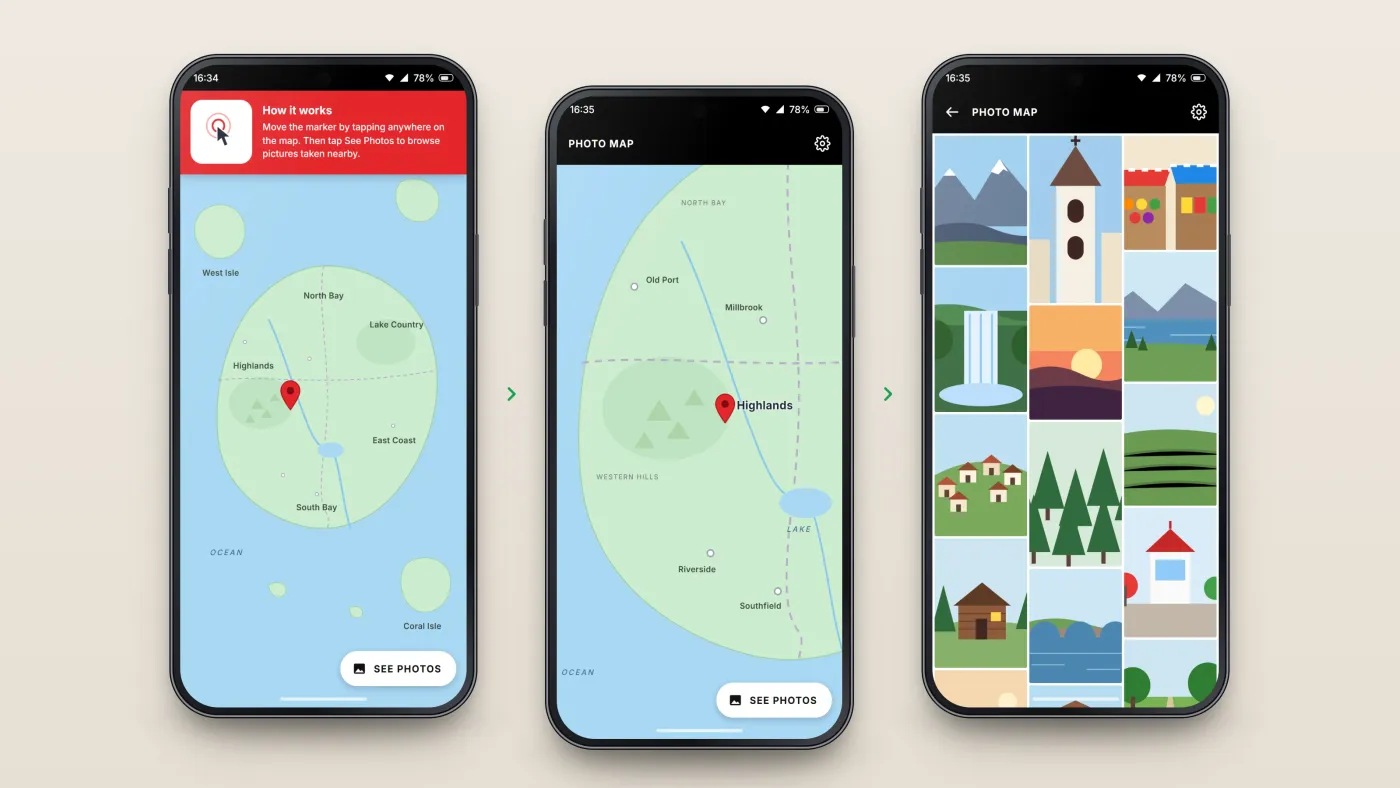
Learn how it works
A short instruction on first use.
Tap the map
Place a marker on the area to explore.
See its photographs
A grid of pictures taken around the marker.
The product in use
Inside the app
Pick a place on the map
On first run a banner explains how it works: tapping the map moves the pin, and See Photos opens the pictures around it. Zooming in shows regions, towns and rivers, so the pin can be placed exactly where the user wants to look.
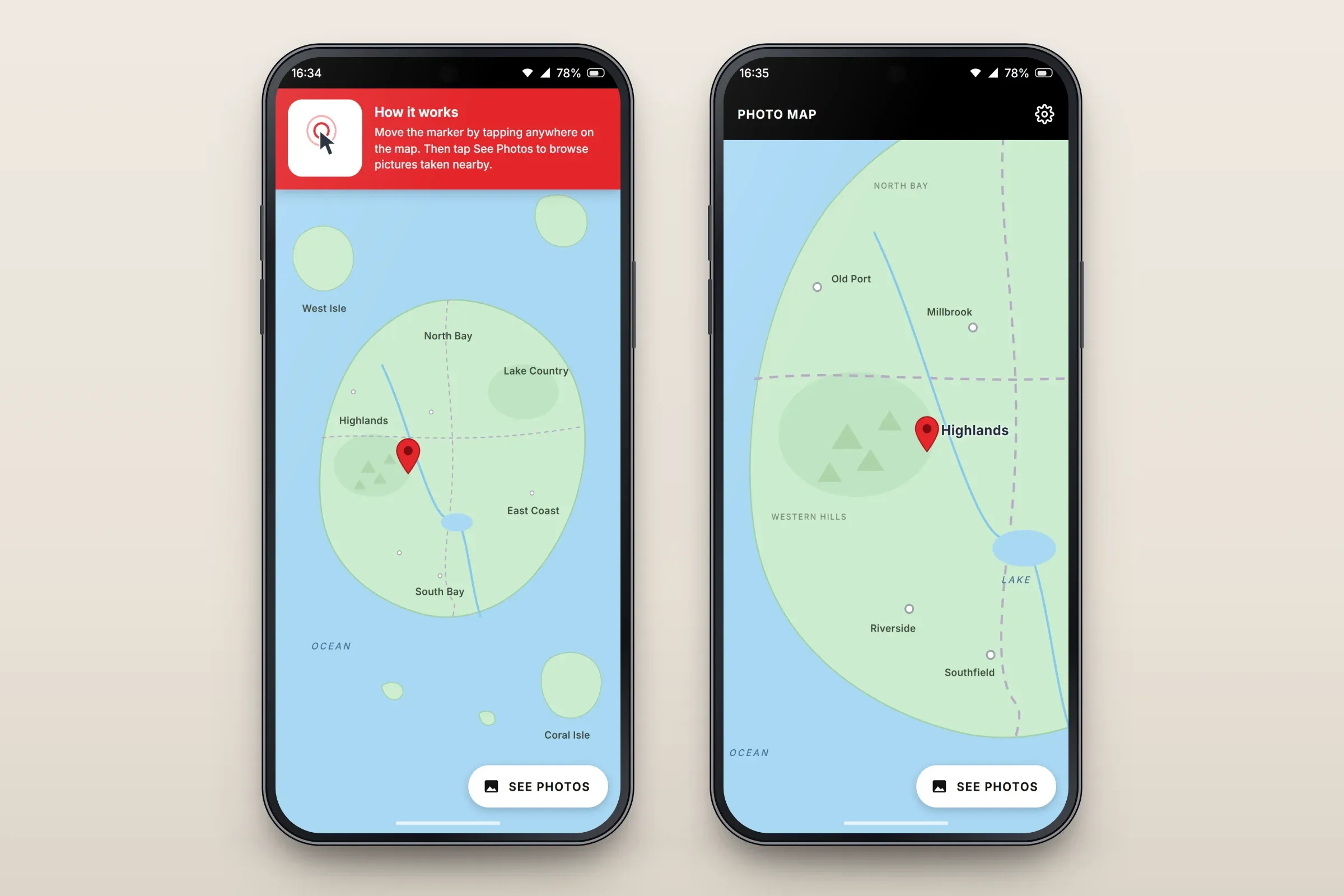
First-run instructions, and placing the pin. Close-ups on phones: tap any image for the full screen. Photographs around the pin
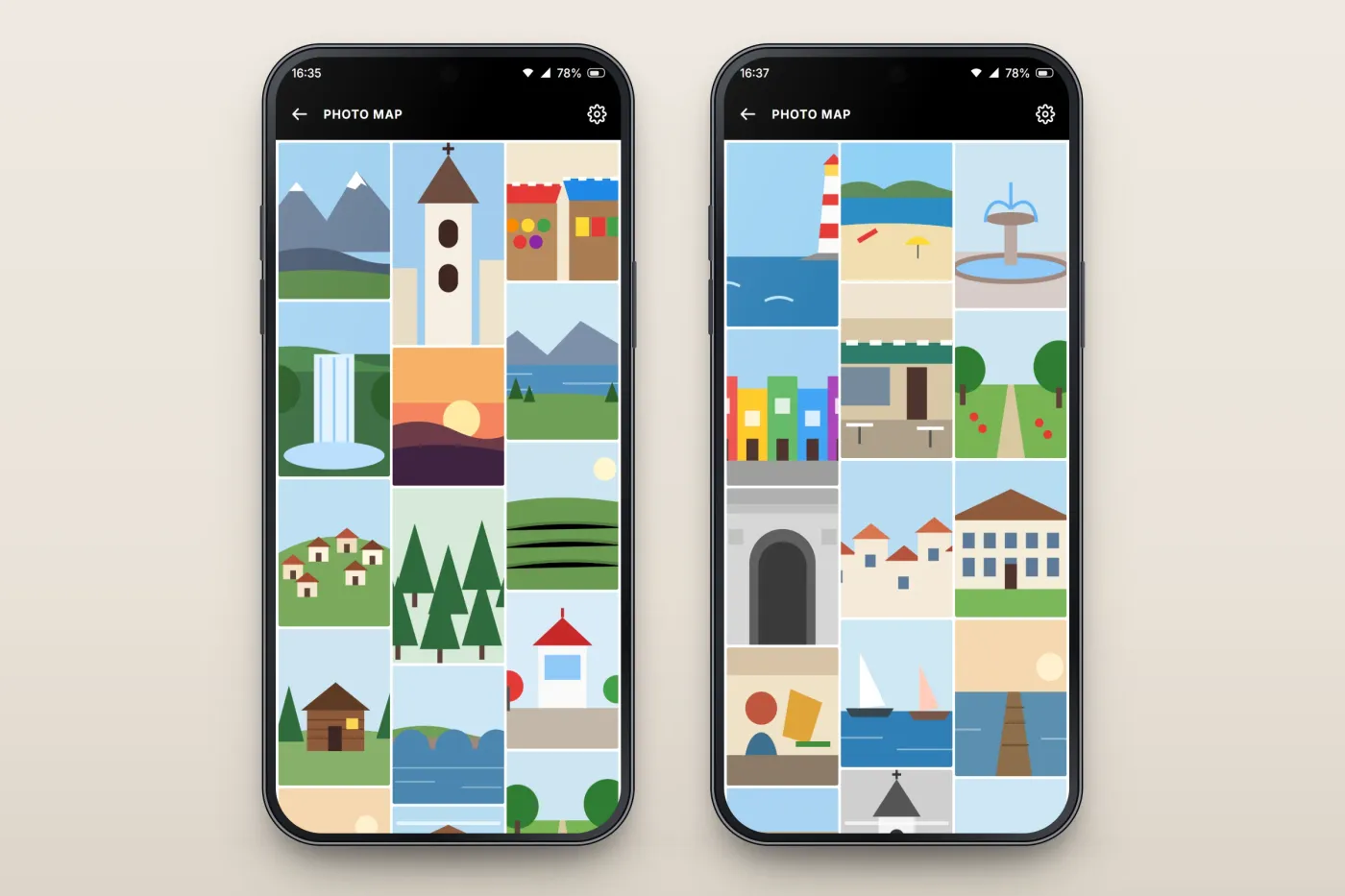
See Photos opens a dense, three-column grid of the pictures taken around the chosen point — landscapes, markets, buildings, harbours and street scenes — so each place can be explored at a glance.
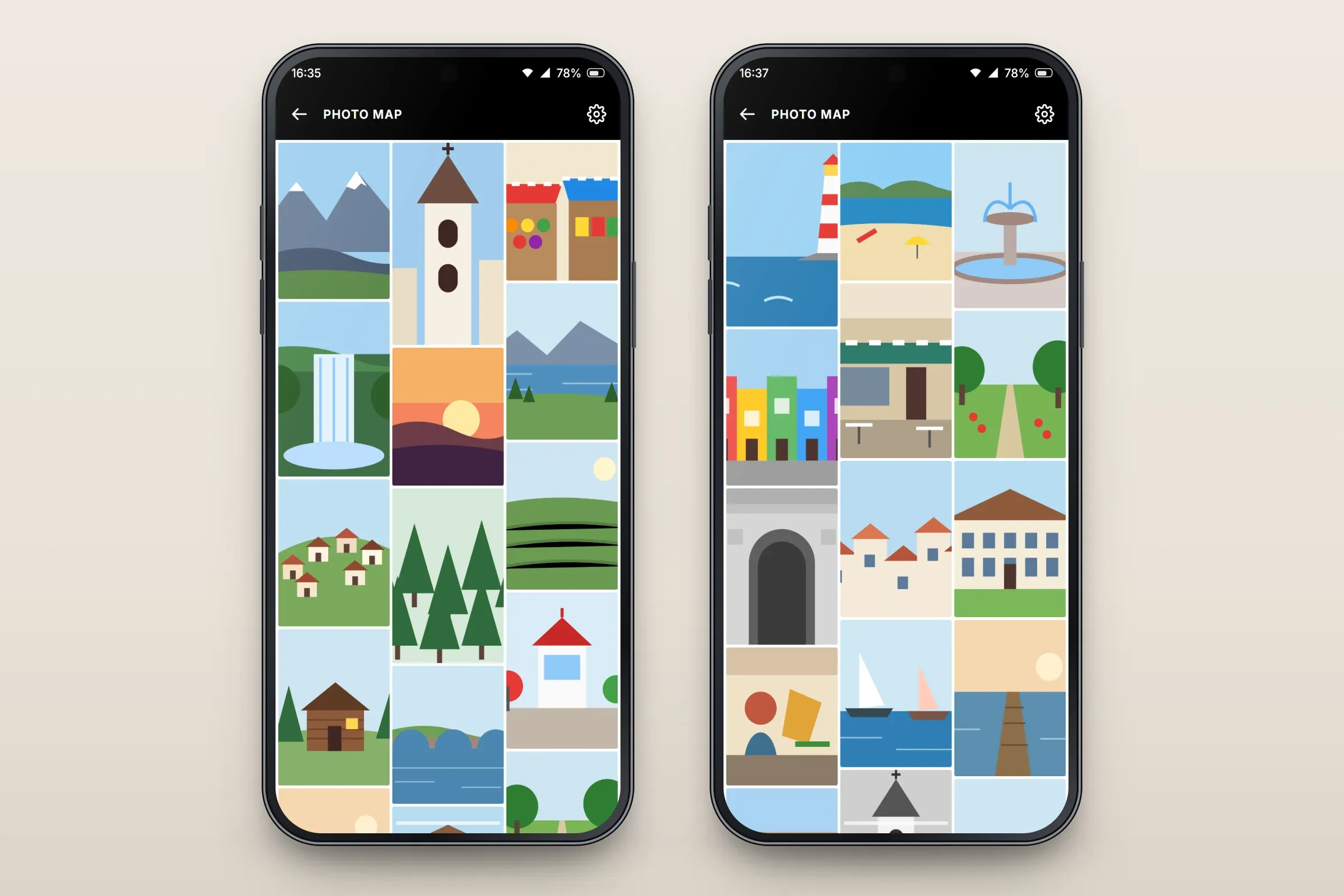
Photo grids for two different places.
About these images: the screens are recreated from the delivered app for this case study, with neutral naming, an invented map and drawn pictures in place of the client's brand, region and photographs. They follow the app's real screens and functions, but they are not screenshots of it.
Related services